

Short answer: Preserve the rejection or return notice, match each stated reason to a correction, check the court’s local filing requirements and resubmit through the correct channel. Then verify acceptance from the court’s returned filed copy or case record.
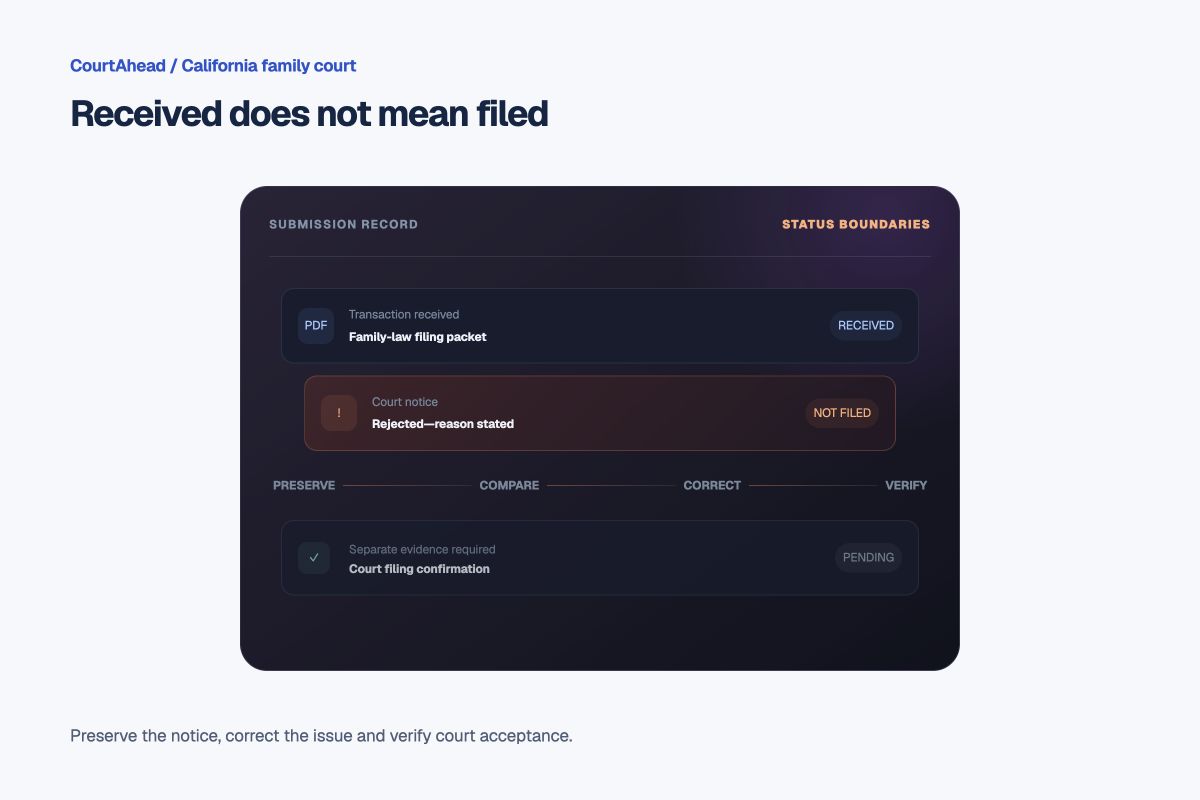
Select the closest wording on the notice. The tool keeps receipt, rejection, correction and court acceptance separate.
Where did the filing stop?
- 01Submitted or deliveredReceipt only
A portal receipt, counter receipt, mailing record or drop-box event reports delivery.
- 02Court reviewPending
The clerk reviews the papers, fee and local filing requirements.
- 03Rejected or returnedCurrent state
The notice identifies one or more problems to correct.
- 04Corrected and resubmittedNot yet filed
A new delivery event begins another review.
- 05Accepted for filingNeeds proof
Verify the filed copy, filing date and case record separately.
What should you preserve from the notice?
- the exact rejection wording and any reason code;
- the submission or transaction identifier;
- the document name, case number and court location shown;
- the original submitted version and every attachment;
- the submission date, method and fee or waiver information; and
- the corrected version as a separate file.
Do not overwrite the original submission. The before-and-after record may matter if timing or the correction is later questioned.
What commonly causes a return?
California Courts says filing requirements depend on the court and filing method. County family-law e-filing guidance gives examples such as a case number or party name that does not match, the wrong document code or court location, missing fees or fee-waiver information, incorrect PDF packaging, a missing signature or a required local form.
What if a deadline or hearing is close?
Do not assume the rejection extended a filing deadline or preserved the original submission date. Local rules, the filing method and the reason for rejection can matter. Contact the court clerk or self-help center promptly; if legal rights may be affected, ask a lawyer about any available relief or corrective request.
How do you verify the corrected filing?
A new portal receipt proves only that the corrected version was submitted. Look for the court’s acceptance notice, endorsed or file-stamped copy and the corresponding case record. If a hearing was requested, verify the court-assigned date from the accepted document or court record rather than the proposed form.
Check the local filing page for your county.
Use the county printed on the case papers—not your current location—to reach the official court and self-help pages.
What does the record not prove?
- A delivery or portal receipt does not prove court acceptance.
- Payment does not prove the document was filed.
- Correcting the stated issue does not guarantee the next submission will be accepted.
- A resubmission date does not automatically become the original attempted filing date.
- A filed document does not by itself prove required service or later legal effect.
Official sources
- California Courts: How to file court papers
- San Bernardino Superior Court: Family-law e-filing FAQ
- Alameda Superior Court: Family-law e-filing FAQ
- California Courts: Find a court self-help center
This page provides legal information, not legal advice. Filing rules and correction procedures vary by court, filing method and document. Use the rejection notice and your court’s current instructions.